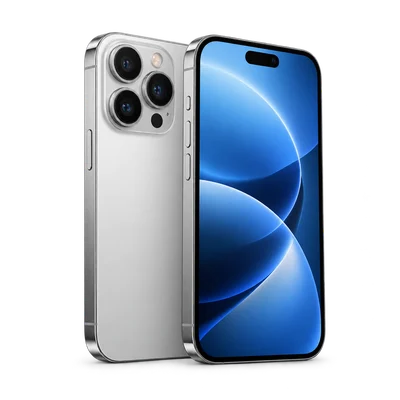
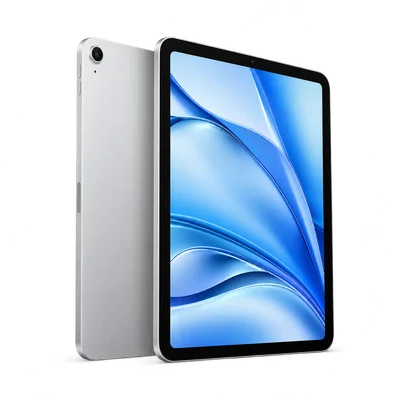
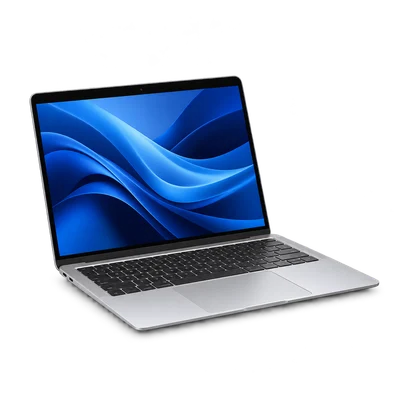
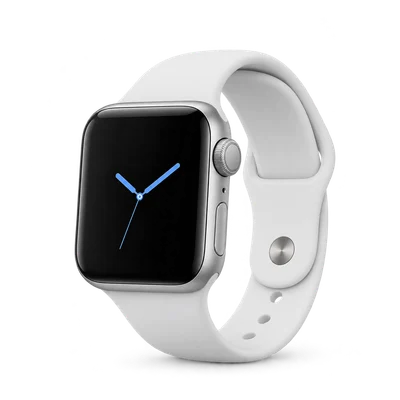
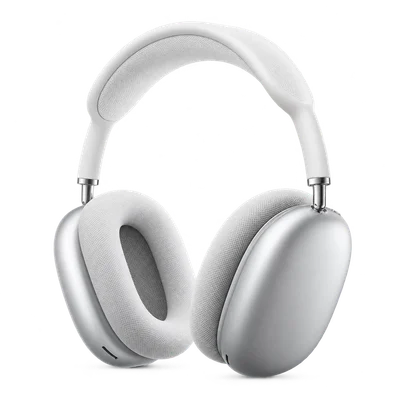
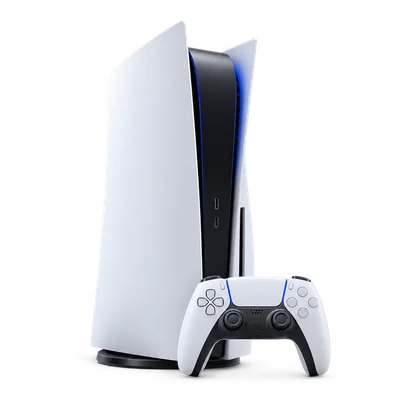
Electronics trade-in and buyback widget

Trade-in and buyback of electronics under your brand

Add a widget to your website with your logo and buyback prices. Customers can get a preliminary estimate for their device and send you a request.

For electronics stores, service centers, and buyback businesses.

No card required 0% commission on deals Your prices and rules From $29/month

Set up FastTradein

1

Add the widget

Create an account, open the widget section and choose your platform guide. In “Store settings”, add your website address under “Website” or “Websites where the widget works”.

2

Set your prices and rules

Set your own price list, device models and conditions. Online estimates will use your prices.

3

Start accepting devices

Inspect the device, agree on the offer with the customer and generate a handover record. Record the payout after you pay the customer.

View the actual workspace
FastTradein workspace

Actual interface · demonstration data

From an online estimate to a completed deal

The customer gets an estimate for their device and submits a request on your website. Your team continues in the FastTradein workspace.

  1. Estimate and request

    The customer selects a device and describes its condition. You receive a request with contact details and a preliminary estimate.

    A new FastTradein request with the customer’s contact details, device and preliminary estimate.
  2. Device inspection

    A staff member inspects the device and records its condition and IMEI or serial number. The offer is updated based on the inspection.

    Device inspection in FastTradein with the IMEI field and light screen scratches selected.
  3. Offer approval

    If the offer decreases, send the customer a new offer through a link. They accept or decline it.

    New offer for the customer with options to accept or decline
  4. Handover and payout

    Generate a handover record. After paying the customer, record the payout in the request. The deal history stays in your workspace.

    FastTradein handover record with demonstration data

The images show real FastTradein screens with demo data. Click any image to enlarge it.

FastTradein plans

Choose a plan for your business

Every plan includes the valuation widget, requests, device inspections, and documents. Plans differ in website request limits, team size, and additional features.

Starter

For one website and a small team

$29/month

Up to 50 requests per month

Try it free for 14 days

Included in Starter

  • Widget with your logo and prices
  • Requests and customer contacts
  • Inspections and price approval
  • Handover record and payout status
  • Up to 2 team members
  • Widget on 1 website

Pro

For a high volume of requests

$199/month

Unlimited requests

Try it free for 14 days

Everything in Business, plus:

  • Unlimited team members
  • Widget on unlimited websites
  • Priority support (your tickets go first in the queue)

Who Pro is for

If you need more than 300 website requests per month, more than 5 team members, or more than 5 websites.

14 days free on every plan. No card required.

0% commission on deals

Website requests

If the plan has a monthly allowance, all connected websites share it. The store owner can also set a limit for any 24-hour period. This limit is off by default.

Device intake

In the workspace, without using the request limit.

Your team

The owner counts as one team member.

Direct FastTradein subscriptions are billed monthly in USD through Paddle until canceled. Applicable taxes are shown at checkout.

Your device range

Choose device categories for buyback

Enable the categories you need in your workspace and browse their models and variants. The standard laptop catalog contains only Apple MacBook models.

  • Smartphones
  • Tablets
  • Laptops
  • Smartwatches
  • Headphones
  • Consoles

FastTradein features

You set the buyback prices and terms

Customize your price list, widget appearance and team workflow to suit your business.

Device buyback prices under your control

Edit or upload your price list in the workspace, or import it nightly from a URL. You set deductions for device condition. The catalog sets a minimum value for parts. A device reported as account-locked is declined.

On every plan

Your brand in the widget and customer emails

Your widget shows your business name and logo. Business and Pro hide the FastTradein label in the widget. Customer emails use your store name and brand color. On Business and Pro, the sender name shows only your store name after your first direct subscription payment through Paddle. With Shopify billing, FastTradein appears in the sender name, subject line, header, and footer of customer emails.

Branded for your business

Requests and your team in one workspace

Invite staff to handle customer requests together in one workspace. Your plan sets the team size.

From 2 team members

Buyback and payout analytics for your deals

View buyback volume, total and average payouts, and the share of new offers accepted. The figures reflect your store’s deals.

Data from your deals

Send request statuses to your CRM and export CSV

Set up webhooks to send status updates to your CRM and other services. Export requests to CSV to work with them in Excel or your own management system.

Business and Pro

Device intake and document preparation

Record customer and device details, inspection results and the agreed amount. Generate a handover record and mark the payout in the same request.

On every plan

The next purchase

Issue a voucher instead of a cash payout for the device

Instead of paying cash for a device, you can give the customer a store voucher. You decide which products or services it covers and explain the terms to the customer. For example: a $300 device value plus a 10% bonus gives a $330 voucher.

  • Set a bonus from 0 to 50% and an expiration date.
  • Issue a voucher with a unique code and barcode.
  • Specify where your business accepts the voucher.

Voucher redemption at checkout is configured by you, your developer or your POS provider. This setup is not included in the FastTradein subscription.

Example voucher
Your store nameTrade-in

For their next purchase from you

$330

Device value
$300
Bonus in this example
+10%
Voucher value
$330
Example codeFT-DEMO-001

You set the terms and bonus

Your store

Trade-in and buyback under your control

Your customers, prices, and rules

Record the condition at inspection. The offer stays at the original estimate or goes down. The customer can accept or decline a lower offer. Your business pays the customer directly.

Your workspace keeps customer contact details, inspection results, agreed prices, and handover records.

Servers in Germany (EU)

OVHcloud hosts the application. HTTPS protects data in transit. The operator keeps an encrypted database copy for recovery.

You can read the privacy policy and data processing agreement before you register.

Subscriptions with no commission on deals

You pay for a FastTradein plan, with no commission on deals. In-store intake does not use the widget request limit.

Limits on team members, websites, and widget requests depend on your plan. Compare plans to see the limits for each one.

The software does not buy devices, arrange delivery, or erase data from devices.

Buyback economics

What device buyback could bring to your business

Enter three figures to see how the margin is worked out and how it compares with a FastTradein subscription.

Your figures

Enter your values or adjust the example.

%
$

Resale price minus buyback and preparation costs.

Example data, not a forecast

How it works

Multiply the number of requests by the buyback rate and the margin per device.

100

requests
per month

30%

buyback
rate

$50

margin
per buyback

From 100 requests at a buyback rate of 30%, you accept 30 devices. Multiply by $50 margin per device.

Completed buybacks in this example

30 devices

100 requests × 30%

Your result

Compare the margin with your FastTradein costs.

Indicative margin

$1,500/month

30 devices × $50 margin

Plan for your request volume

Business·$99/month

Subscription as a share of margin

Based on the values entered. Margin is shown before additional expenses and the subscription fee. Actual results depend on device buyback and resale.

Before you start

Questions about setup and subscriptions

Can I start without my own website?

Yes. Staff can register device intake in the workspace using the “In-store trade-in” section. Connect the widget when you want to receive requests from your website.

What happens after the 14-day trial?

To continue, subscribe in your workspace. You do not need a card to register. You will not be charged automatically unless you subscribe.

What counts as a request, and what happens at the limit?

The monthly allowance counts requests submitted through the widget. Estimate views, intake registered by staff in the store, and repeat requests from the same customer for the same device within 7 days do not count. The store owner can set a separate limit for any 24-hour period. It is off by default. The Pro trial has its own limit of 75 widget submissions in any 24 hours. If you use up the monthly allowance on a paid plan, new requests resume in the next billing period or after an upgrade.

Can I change plans or cancel?

Yes. For direct FastTradein subscriptions billed through Paddle, you can change plans during the free trial without paying. Your trial still ends on the same date. If you subscribe directly through Paddle before the trial ends, the remaining full days of your trial are added to your first paid period. For an active paid subscription, select another plan under “Plan and billing” in your workspace. The new plan takes effect immediately: Paddle recalculates the cost for the remaining billing period and charges the difference or credits it to your balance. To cancel, select “Manage subscription” in the same section. After cancellation, access continues until the end of the paid period. To change your Shopify subscription, open the FastTradein app and select “Choose a plan in Shopify”. Shopify shows the trial, billing period, taxes and any prorated amount before confirmation. Uninstalling the app stops its future recurring Shopify charges; charges already incurred are not automatically refunded. The Paddle instructions above apply only to Paddle subscriptions.

Will I need a developer to connect it?

Step-by-step guides are available for popular platforms. For your own website, add the widget code and allow the website address in your workspace. A custom CRM or POS integration may require a developer.

What support is included?

Support answers questions about features and settings by email and through workspace tickets. Price list migration, installation on your behalf and custom development are not included.

Start with a FastTradein trial workspace

Add your price list and try device intake in your workspace.

Try it free for 14 days

No card required

Ask a question

Have a question before you connect?

Tell us about your website or what you need. We will reply by email.

Set up at your own pace

Start on your own using the guides. If you need information about a feature or setting, contact support.

Open setup guides support@fasttradein.app

* Required fields

We use these details only to reply to your message. Privacy Policy